
Markdown
Markdown Syntax
PeepMD renders GitHub-flavored Markdown (CommonMark plus the GFM extensions), with a few additions borrowed from Bear and Lettera. Everything on this page is rendered by the same engine that renders your documents, and every example shows the Markdown first, then how it renders.
Inline styles
| Syntax | Result |
|---|---|
**bold** |
bold |
*italic* |
italic |
~~strikethrough~~ |
|
`inline code` |
inline code |
[link](https://example.com) |
link |
footnote[^2] |
footnote1 |
Smart punctuation is on: straight quotes become "curly", and dashes--like these--become en and em dashes.
Footnotes
A footnote has two parts: the reference in your text, and the definition, which can live anywhere in the document:
The claim that needs a source.[^1]

[^1]: The footnote text. It collects at the end of
    the document, with a return arrow back to the reference.
renders as: the claim that needs a source.2
Labels like [^1] are arbitrary, so name them anything. The rendered numbers are assigned by order of appearance in the document, which is why the [^2] in the table above displays as a different number.
Lists
- a bulleted item
- another
    - nested by indenting

1. a numbered item
2. the next

- [x] a finished task
- [ ] an open one
renders as:
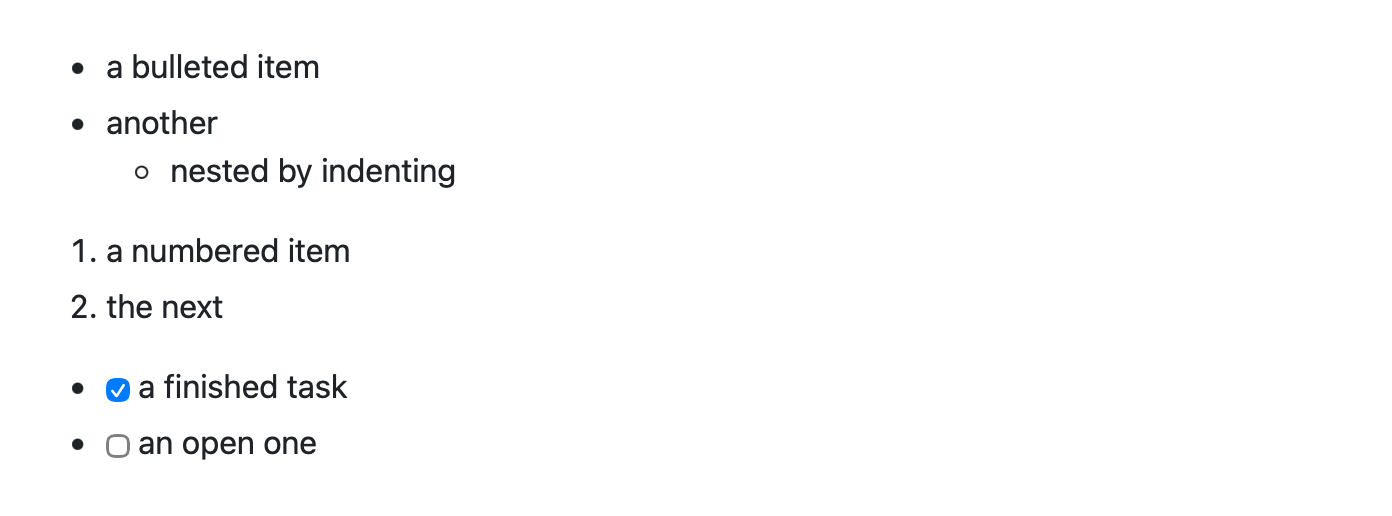
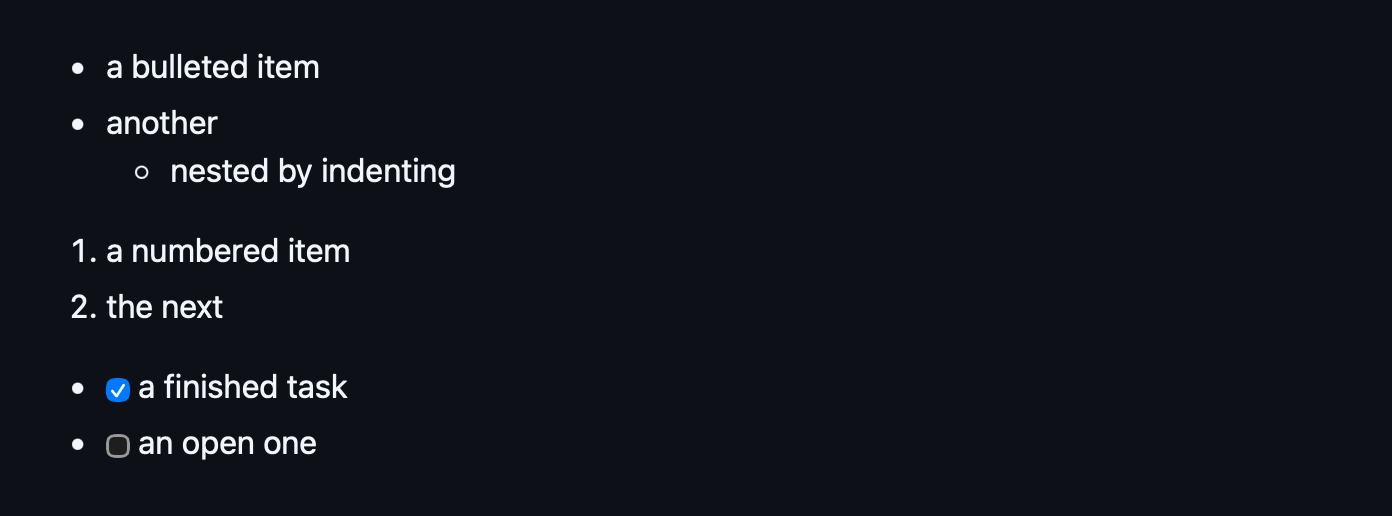
Click or tap a task's box and PeepMD writes the check to the file, the one line and nothing else. The boxes are live in any document you can write to, and stay as they are in exports.
Tables
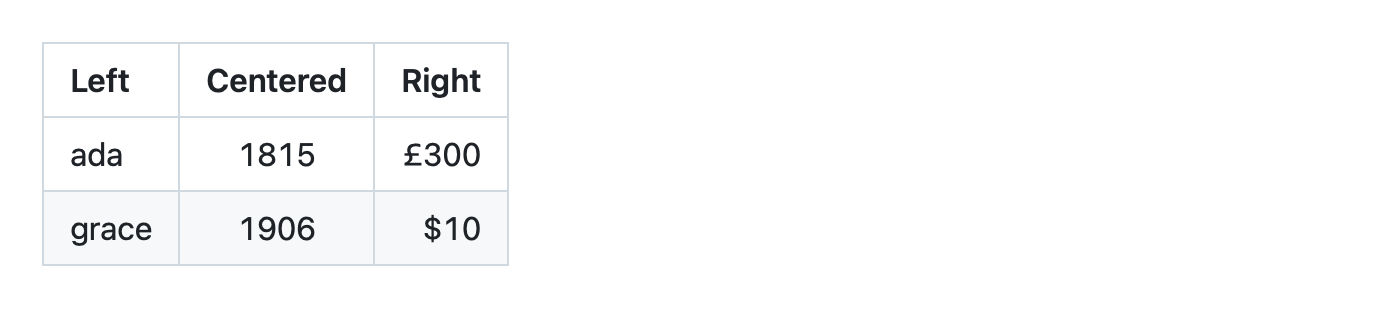
Pipes make columns; the second row sets alignment with colons:
| Left | Centered | Right |
| :--- | :---: | ---: |
| ada | 1815 | £300 |
| grace | 1906 | $10 |
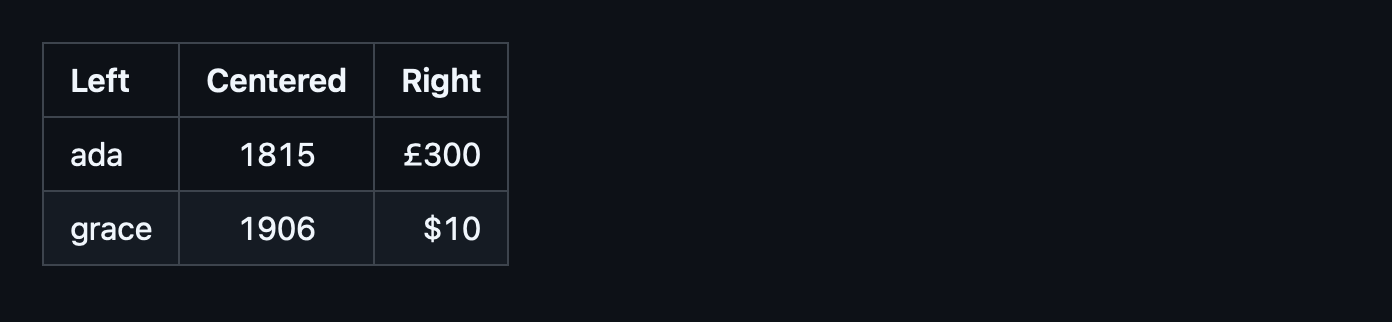
renders as:
Highlights and underline
Two additions beyond GFM, written the way Bear and Lettera write them:
==text==renders as a highlight, good for marking the part that matters.~text~(single tildes) renders as underline. Double tildes remain strikethrough.
Both compose with other styles: bold with a highlight inside.
Wiki links
Links between notes, written the way Obsidian writes them, by the note's name rather than its path:
| Syntax | Result |
|---|---|
[[Help - Styles]] |
Help - Styles |
[[Help - Styles|a label]] |
a label |
[[Help - Styles#Adding your own]] |
Help - Styles#Adding your own |
[[#Callouts]] |
#Callouts |
[[Not Written Yet]] |
Not Written Yet |
The name is looked up across the whole vault, so a note is found wherever it sits: a link in Inbox/Today.md reaches Projects/Plan.md as [[Plan]]. The vault is the folder Obsidian has marked as one or, failing that, the widest folder you have allowed PeepMD to read. Where two notes share a name the one beside the document wins, and [[Projects/Plan]] says which you mean. A note that isn't there yet renders faded, as in the last row.
![[photo.png]] embeds an image from anywhere in the vault, and ![[photo.png|300]] sets its width.
Note
PeepMD is given access to the document you opened and nothing else, so it cannot see the other notes around it. The first document whose links it cannot look up raises a bar offering Allow Access…. Point it at the top folder of your notes once, and every link in the vault resolves from then on.
Callouts
A blockquote that starts with a marker becomes a styled callout:
> [!NOTE]
> Useful information a reader should see even when skimming.

> [!TIP] A title on the marker line works too.
> This is the Bear/Lettera dialect.
renders as:
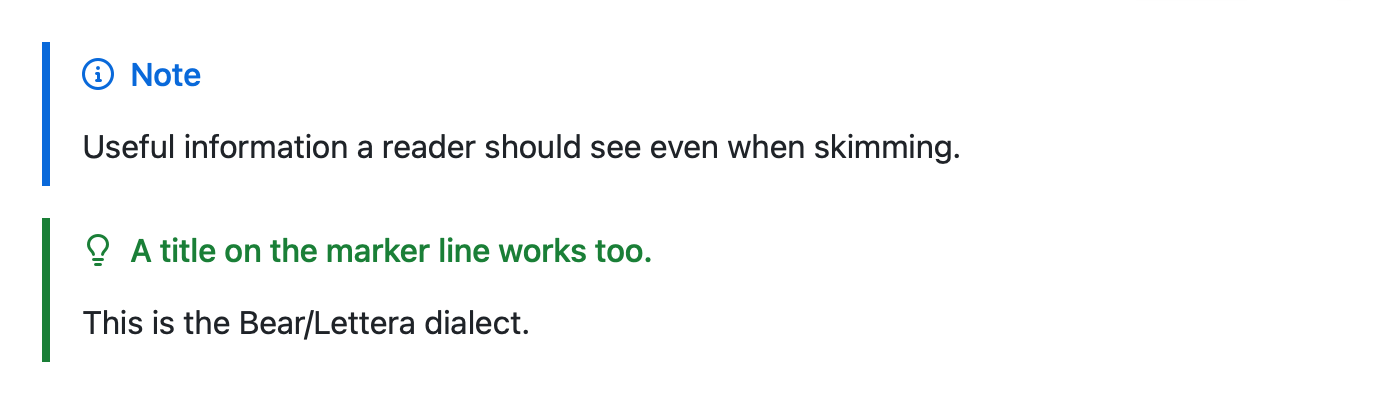
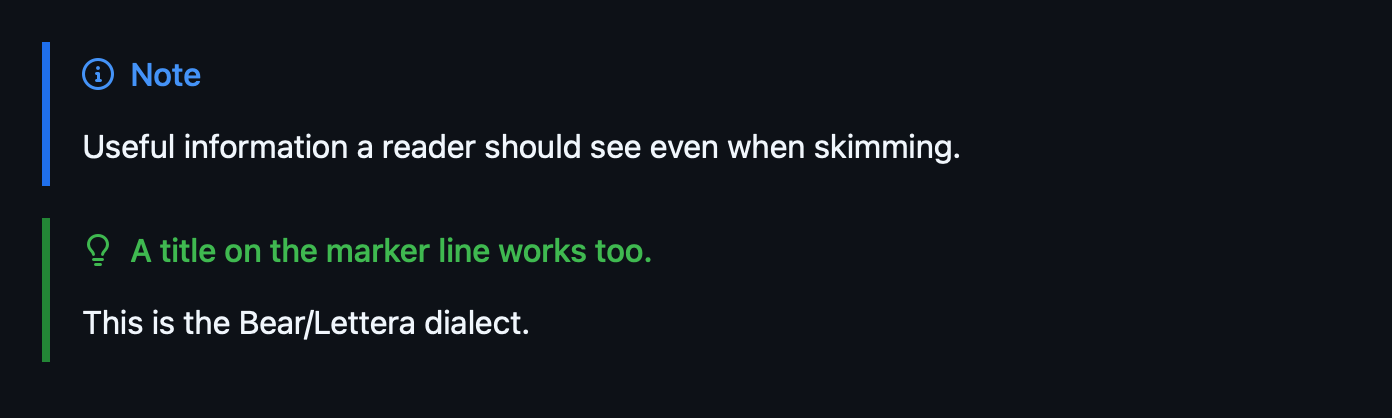
All five GitHub kinds render. The other three:
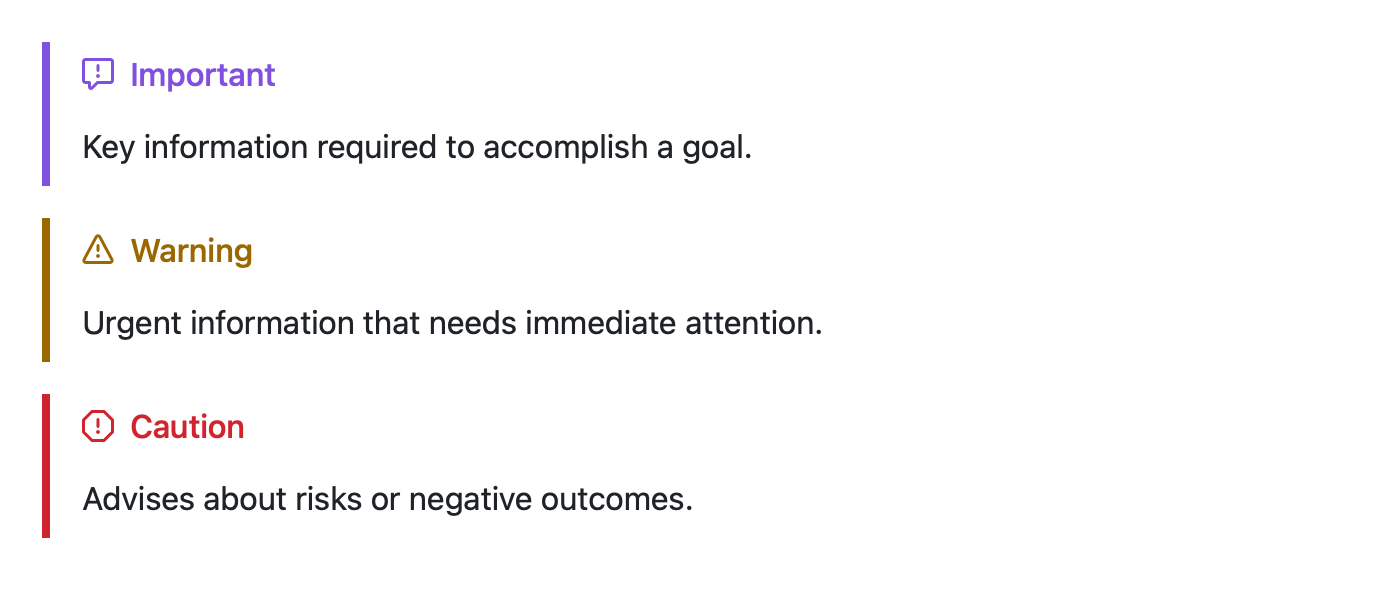
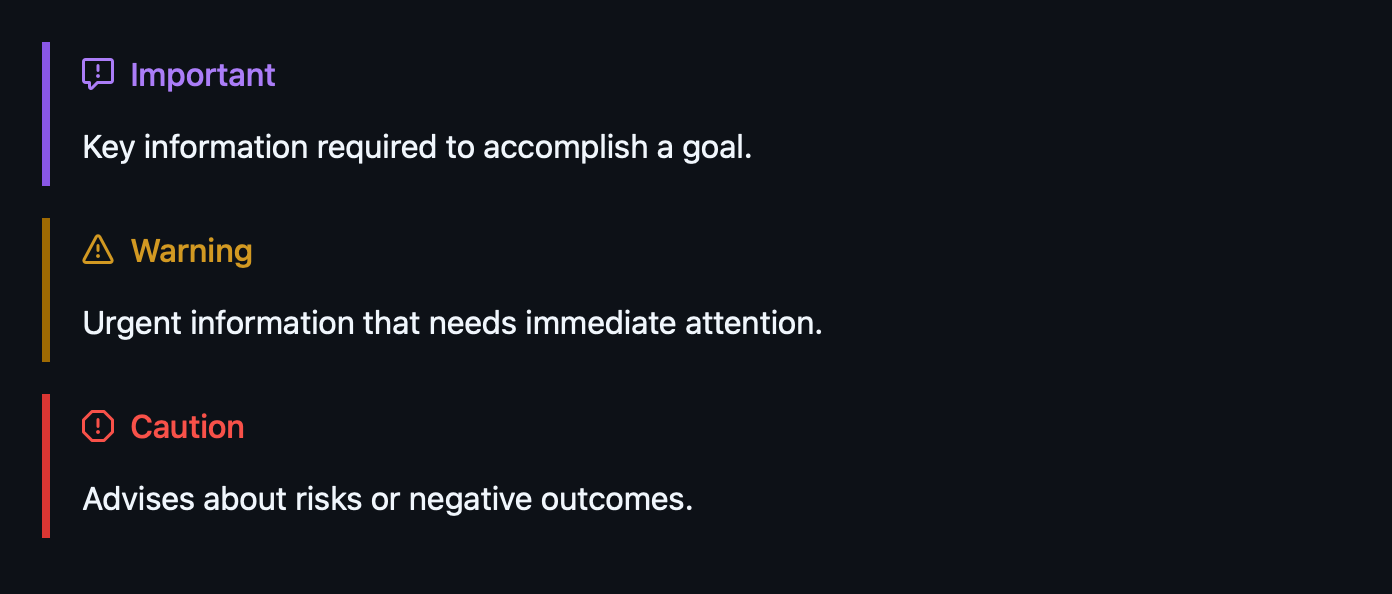
An ordinary blockquote stays an ordinary blockquote:


Previous: Reading Documents · Contents · Next: Code and Diagrams